
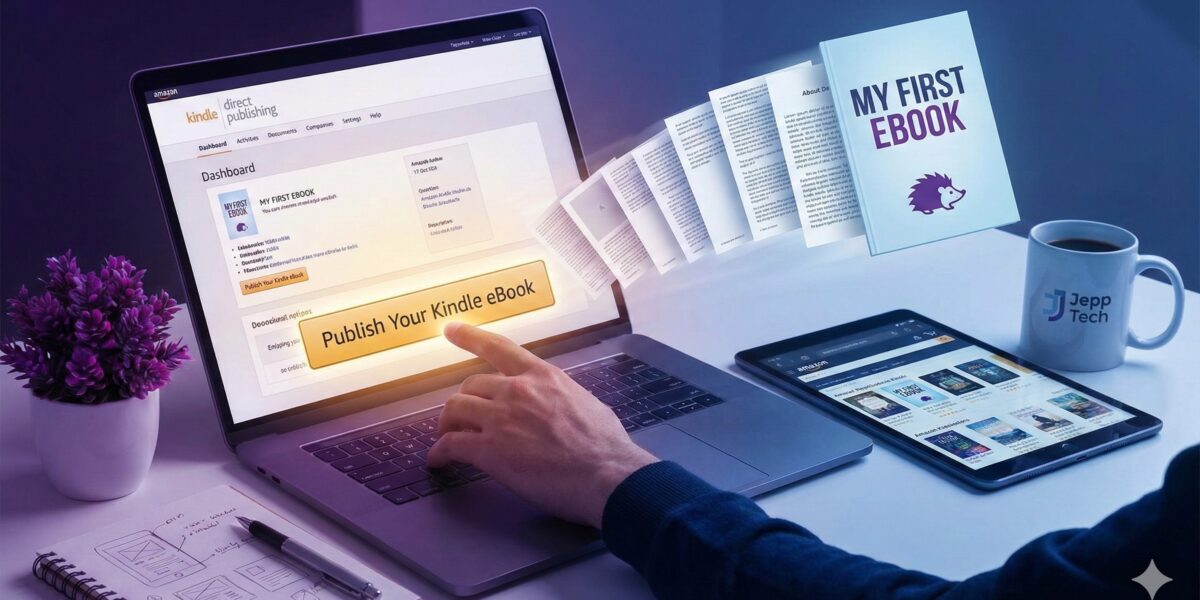
At Jepp Tech, we love high-performance hardware, but we also love the software and stories that run on it. Whether you’re writing a tech guide, a game walkthrough, or even a coming-of-age story (like our very own Prickly Purple Things!), getting your work out there has never been easier.
If you’ve ever thought, “I should write a book,” but got stuck on the “how,” this guide is for you. We’re breaking down the beast that is Amazon KDP (Kindle Direct Publishing) into simple, bite-sized steps.
Why Amazon KDP?
Amazon controls a massive chunk of the ebook market. KDP is their platform that allows anyone to upload a book and sell it on the Kindle store for free. You don’t need a publisher, an agent, or a budget. You just need a file and a dream.
Here is the 5-step workflow to get published.
Step 1: Prepare Your Assets
Before you log into Amazon, you need two things ready to go:
- The Manuscript (The Book):
- Format: While you can upload a Word doc (.docx), we recommend converting your file to EPUB format for the best results on e-readers.
- Tool Tip: Amazon offers a free tool called Kindle Create that helps you format your Word document into a professional-looking ebook with just a few clicks.
- The Cover:
- People do judge books by their covers. You need a high-quality JPG or TIFF file.
- If you aren’t a graphic designer, tools like Canva have specific “Ebook Cover” templates that look great and are free to use.
Step 2: Set Up Your Account
Head over to kdp.amazon.com and sign in with your regular Amazon account.
- You’ll need to fill in some tax and banking information so Amazon can pay you your royalties. (This is the boring part, but it only takes 5 minutes!)
Step 3: Create Your Listing
Once logged in, click the big yellow button that says + Create and select Kindle eBook. You’ll be walked through three tabs:
Tab 1: Kindle eBook Details
- Title & Subtitle: Keep it catchy.
- Description: This is your back-cover blurb. Use this space to hook your reader.
- Keywords: Think about what people search for. If you wrote a guide on building PCs, use keywords like “PC building guide,” “gaming rig tutorial,” etc.
Tab 2: Kindle eBook Content
- Upload Manuscript: Upload your EPUB or KPF (Kindle Create) file here.
- Upload Cover: Upload your JPG file.
- Preview: Do not skip this! Launch the “Online Previewer” to scroll through your book and make sure the formatting looks correct.
Tab 3: Kindle eBook Pricing
- KDP Select: You can choose to enroll in KDP Select (which puts your book in Kindle Unlimited). This gives you access to more promotional tools but requires you to sell your ebook exclusively on Amazon for 90 days.
Step 4: Hit “Publish”
Once you click that final yellow button, your book goes into a review queue. Usually, it takes less than 72 hours (often much quicker) for it to go live on Amazon stores worldwide.
Step 5: Tell the World
Congratulations, you are a published author! Now you can share your link on social media, your blog, or with your gaming clan.
Final Thoughts
Publishing is a journey, not a sprint. At Jepp Tech, we know that whether you are building a custom gaming rig or building a fictional world, the satisfaction comes from creating something unique.
Need inspiration? Check out our own publication, Prickly Purple Things, to see how a finished product looks on the store!